Party lights that sync to music, at home
Lights that move with the music can make a living room feel like a party. What makes the biggest difference: quiet breakdowns, slow songs and the lamps you own.
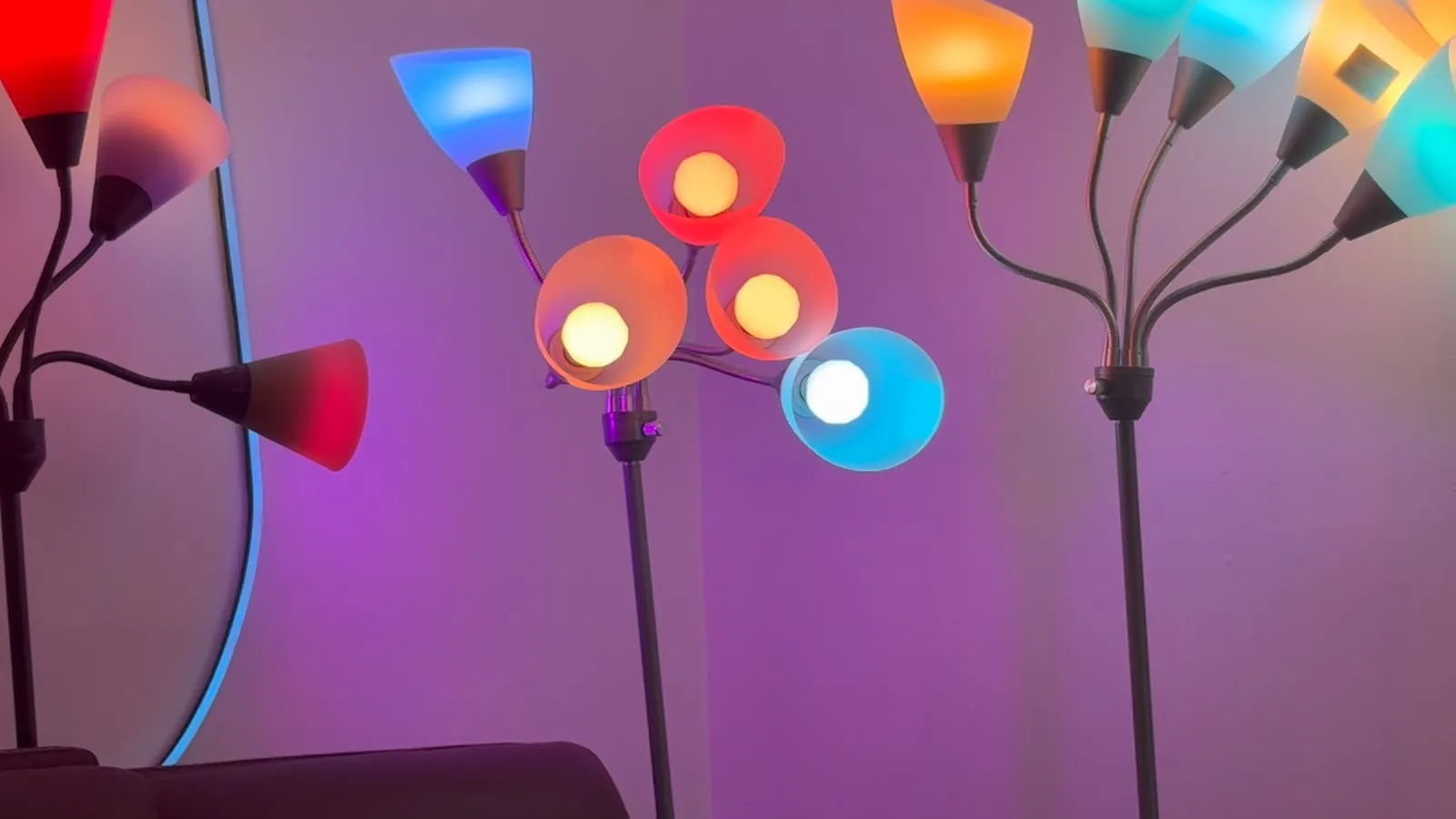
The first full light show we played from FirePod felt completely different from anything we’d built before. Same lights, same songs. The difference was all in when the lights moved, and when they didn’t.
We’ve spent a lot of evenings since then with the music on. These are the things that made the biggest difference.
Let the quiet parts be quiet
Our early versions kept the lights busy all the time. It looked fine for about thirty seconds, then it just looked busy.
Now, when a song drops into a breakdown, the lights rest. They come back when the kick drum does. That one change makes the drop feel enormous, because the room has been waiting for it too.
Slow songs can still move
On a slow, heavy track, lights that pulse with the beat you’d tap your foot to can feel sleepy. Pulsing at double that speed looks much better. The song still feels slow, but the room feels alive.
Pick how the lights move
In the FirePod app you choose the look. Reactive moves with the music, and three sliders set how easily the lights react, how far they bounce, and whether they follow the bass or the cymbals. Beat is a look of its own that pulses with the beat.
Know your lights’ limits
Some bulbs can’t keep up with a fast song, and light strips are slower still. WiZ bulbs handle fast songs best, LIFX bulbs give the smoothest fades, and Govee strips are best saved for the big moments. Pushing them harder doesn’t make the show faster. It makes it messier. Working with each light’s pace looks better than fighting it.
Use what you already have
You don’t need special party lighting. A couple of lamps in the corners, a strip behind the TV and the ceiling lights turned down low are plenty. Party lighting looks best a little darker than you’d think, so the colour has somewhere to go. If your lights are Philips Hue, here’s how to connect Hue to Spotify.
Let friends play their music
The best moment of a night is usually someone saying “wait, play this one”. With FirePod, a guest can play from their own phone and their own music app, and the lights follow along. You stay in charge of who gets to play.
See how FirePod works for parties, or sign up for updates to hear when it’s available.
More from Firedance
-

How to sync your Christmas lights to music
What works this year for Christmas lights that follow the music indoors, which lights can do it, and a simple plan for the countdown on New Year's Eve.
-
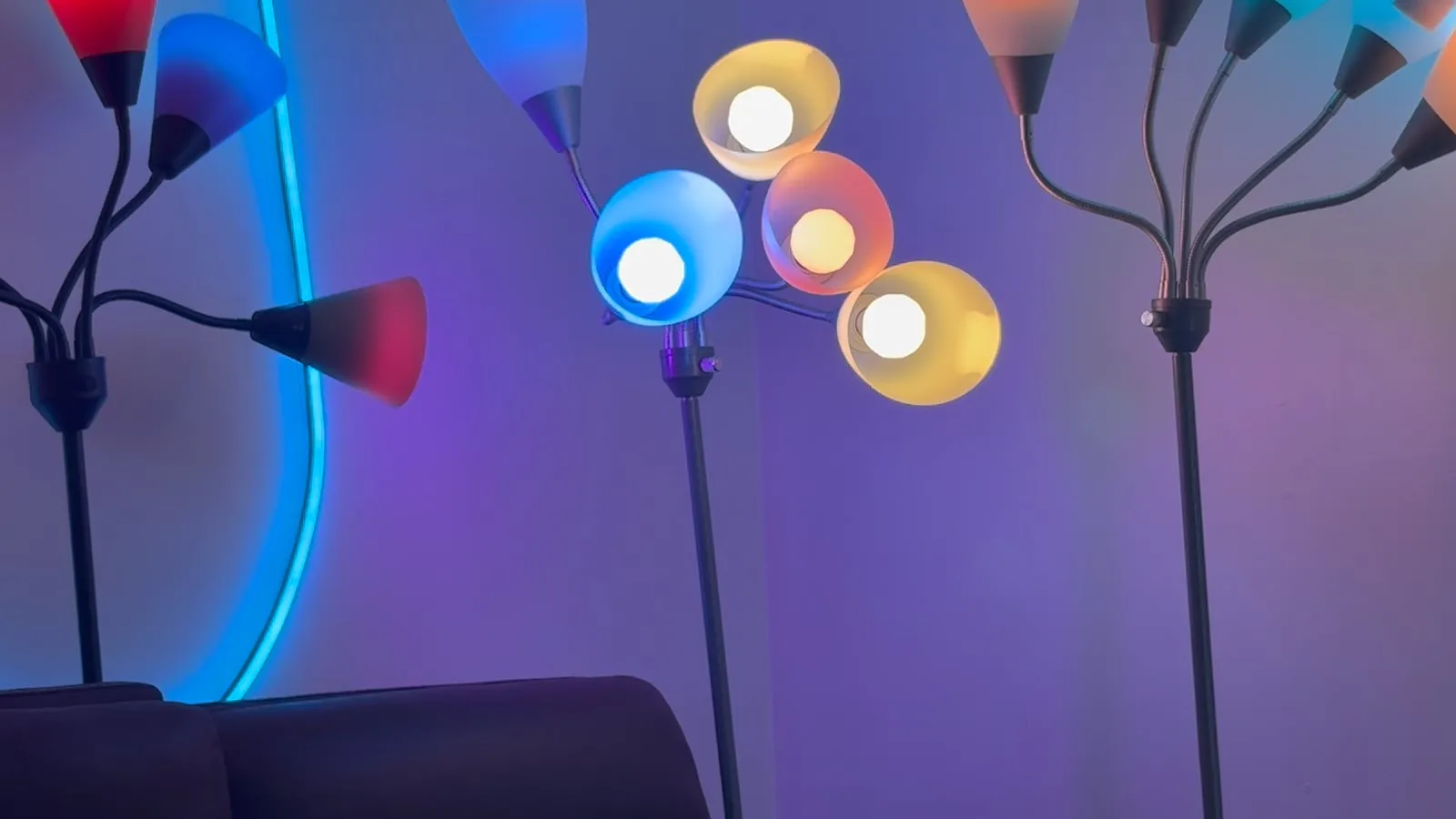
We now run more than 100 smart lights from 12 brands
Seven more brands now follow the music with FirePod, from Nanoleaf and TP-Link to budget Matter bulbs. What each one needed, and what to do when one acts up.
-
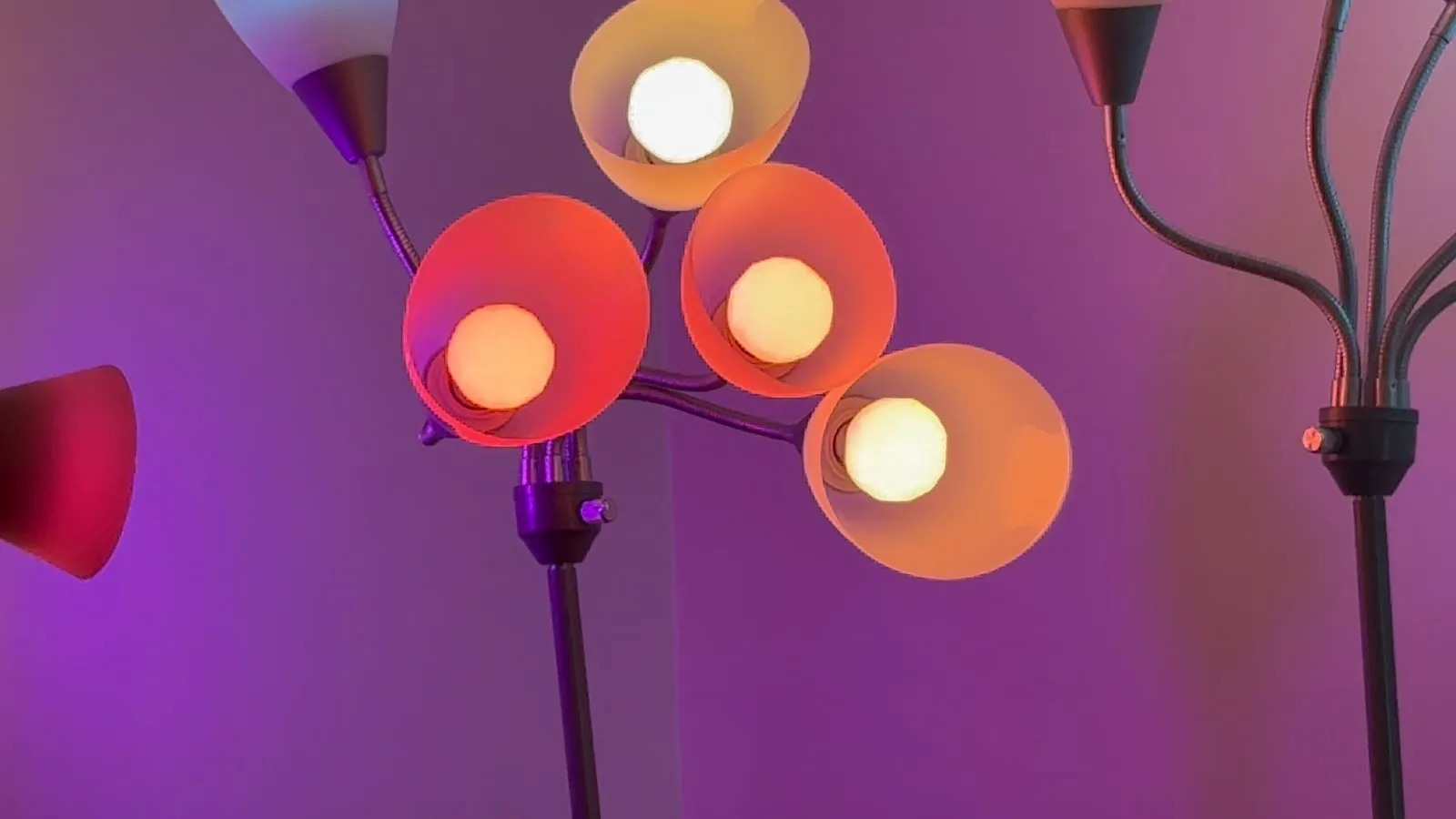
Does Matter do music sync?
Matter lets one app control smart lights from any brand, but it has no music mode. Why not, what home apps offer instead, and how to sync mixed brands.