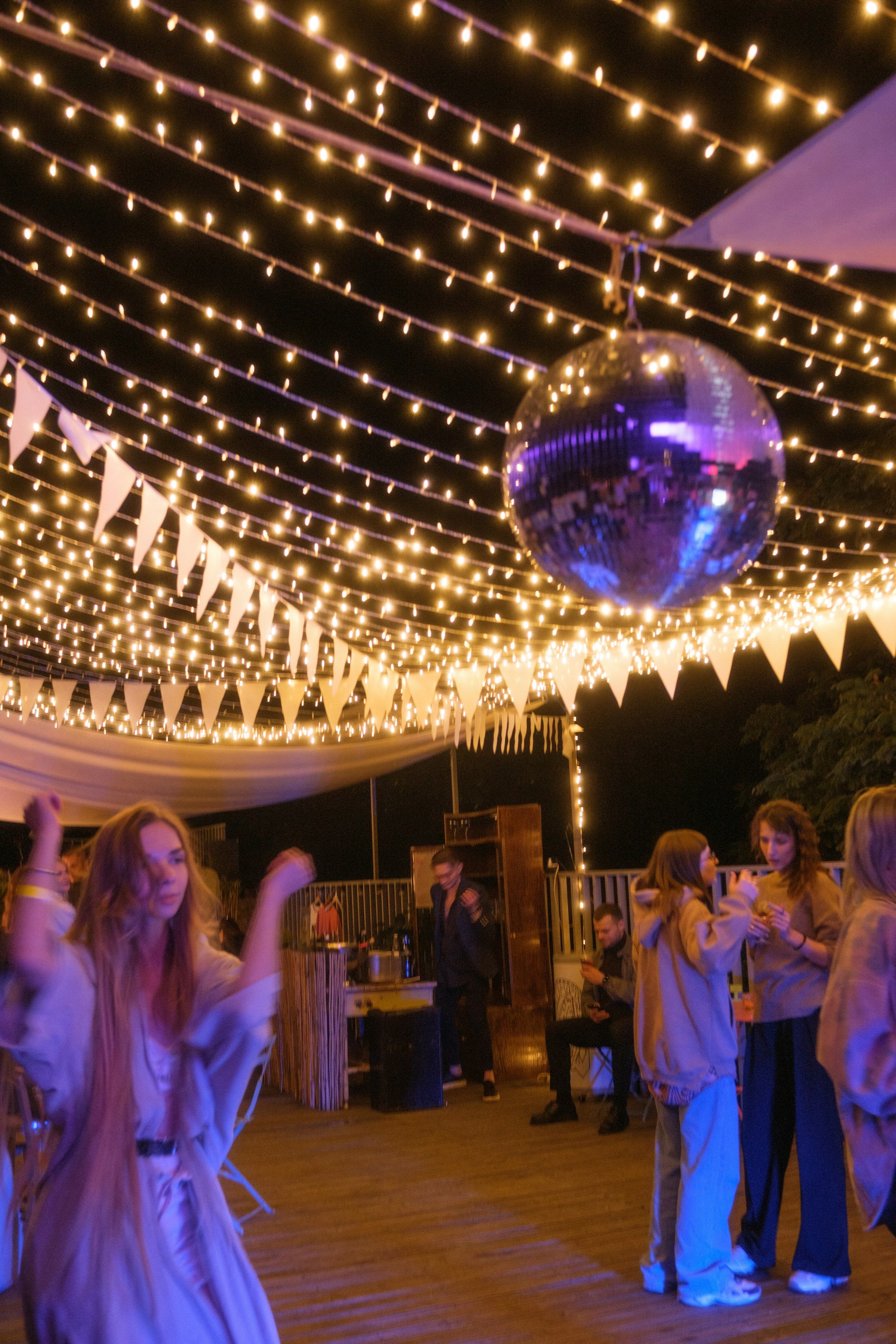
How to sync smart lights to music
We've spent months trying to get smart lights to move with music. Here's what we tried, what let us down, and what finally worked.
Getting smart lights to follow the music sounds like it should be easy. It isn’t. We’ve been at it since early summer, and we’ve tried just about every way there is.
Our test room has more than fifty smart lights in it, from WiZ, LIFX, Govee, GE Cync, Sengled and a few others. Some are bulbs, some are strips, and no two brands agree on anything. If a method works there, it’ll probably work in your living room.
Try the app your lights came with
If every light in the room is the same brand, start with that brand’s app. Some have a music mode, and for a single room of matching bulbs it’s a decent first step.
It falls apart when you mix brands. Each app only talks to its own lights, so half the room moves and the other half just sits there.
We tried connecting to the music services
Our first real version played the music itself, through Spotify, Apple Music and SoundCloud. The thinking was simple: if we know exactly which song is playing, we can plan the lights around it.
Two things got in the way. It only worked with the services we’d connected, so the second someone played something from YouTube, the lights went quiet. And the song details we were counting on usually weren’t there. We checked nearly 600 songs on SoundCloud for their tempo. Not one had it filled in.
Then we tried listening to the music
Next we built a version that listened to whatever was playing on a Mac. That fixed the “which app” problem straight away, since it didn’t care where the sound came from. For the first time the lights felt like part of the song.
Listening has its own catches, though. A microphone picks up people talking and the TV in the next room, and a quiet song barely registers. Worse, the lights are always a beat late. They only find out about a drum hit after you’ve already heard it.
What finally worked: be the speaker
The fix was to stop chasing the music and sit in the middle of it. Your phone plays to a small speaker over Bluetooth, the same way it would to any other speaker. Because the actual song passes through it, it doesn’t matter which app or which phone it came from, and the lights can land on the beat instead of trailing behind it.
That speaker is FirePod.
Things the lights taught us
A few of our bulbs start dropping changes if you send them more than two or three a second. So more isn’t better. Lights that hit hard on the big moments of a song feel far more exciting than lights that never stop flickering.
Colours don’t match between brands either. The same red looks different on a WiZ bulb and a Govee strip. We stopped worrying about it. A room that’s slightly uneven still looks great when everything moves together.
If you’re setting up for a party this weekend, keep it simple. Put a few lights where people can actually see them, turn the brightness down, and pick colours that suit the music.
FirePod is coming soon. See how it works, check the supported devices, or sign up for updates.
More from Firedance
-
Follow Firedance
Firedance is now on Instagram, TikTok, X and GitHub. Follow @firedanceio for photos, short videos and progress on FirePod before launch.
-
The Firedance website is live
The Firedance website is live. Follow news and progress on FirePod, the speaker that syncs your smart lights to your music, as we get closer to launch.