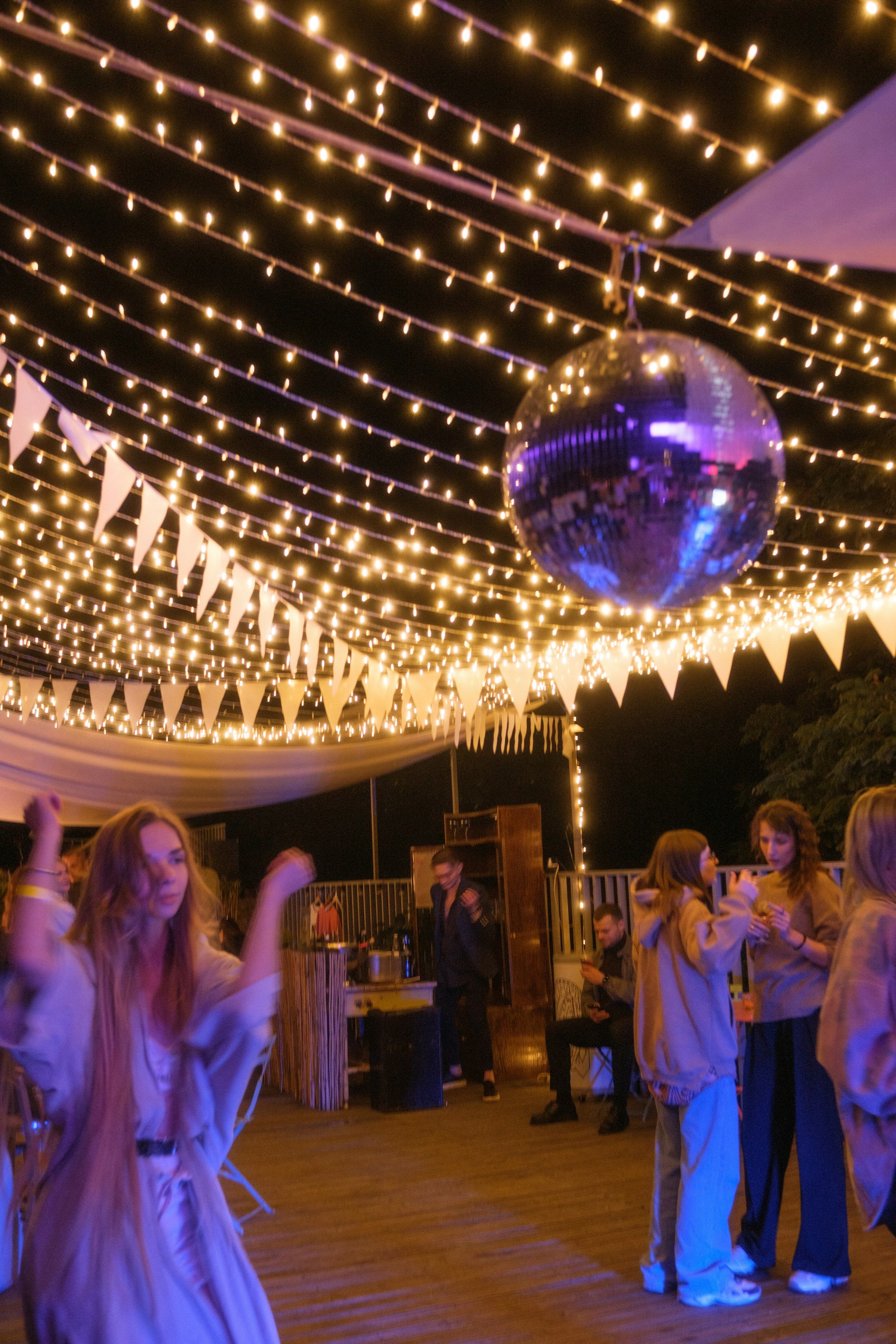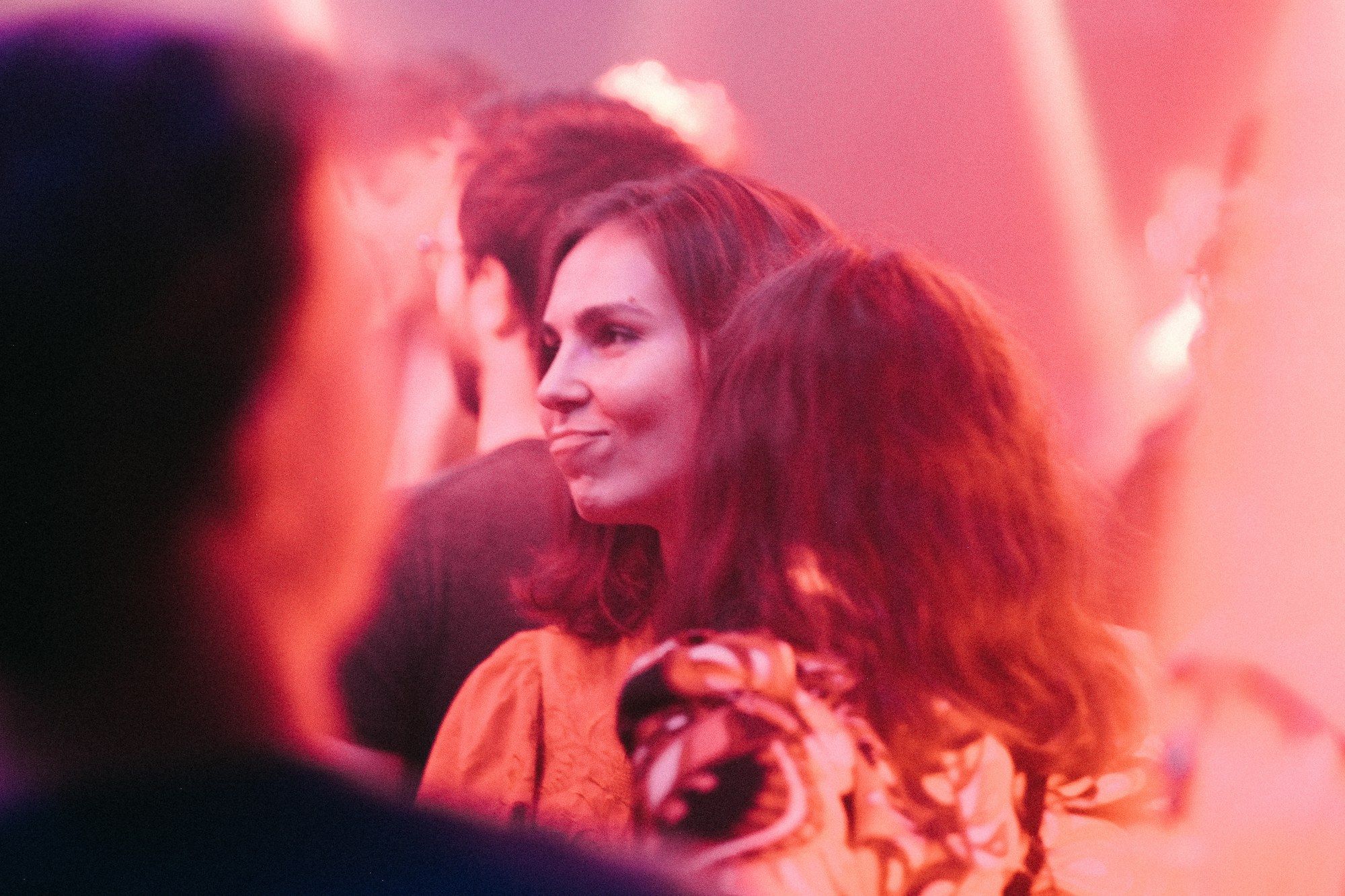
House parties
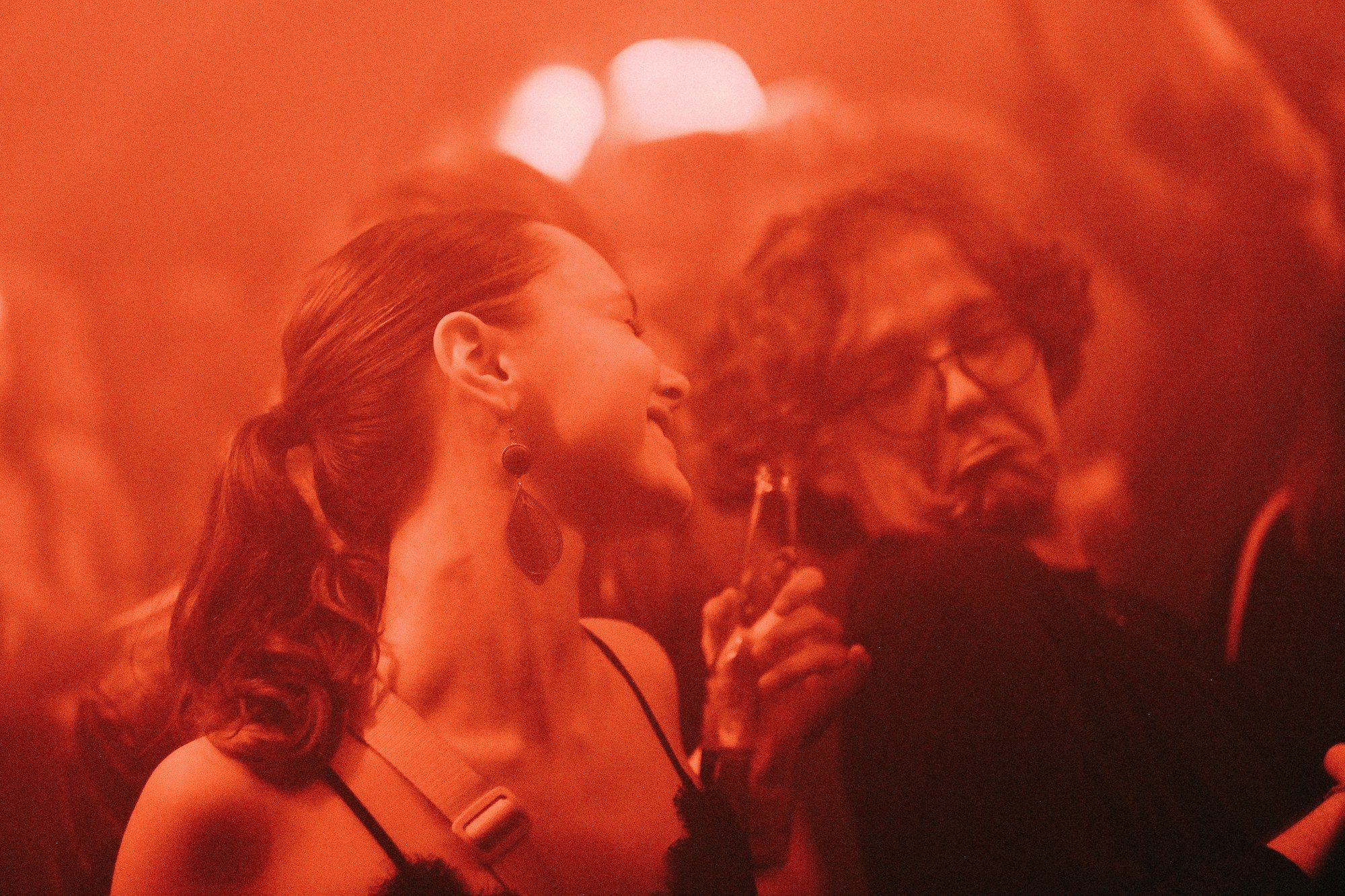
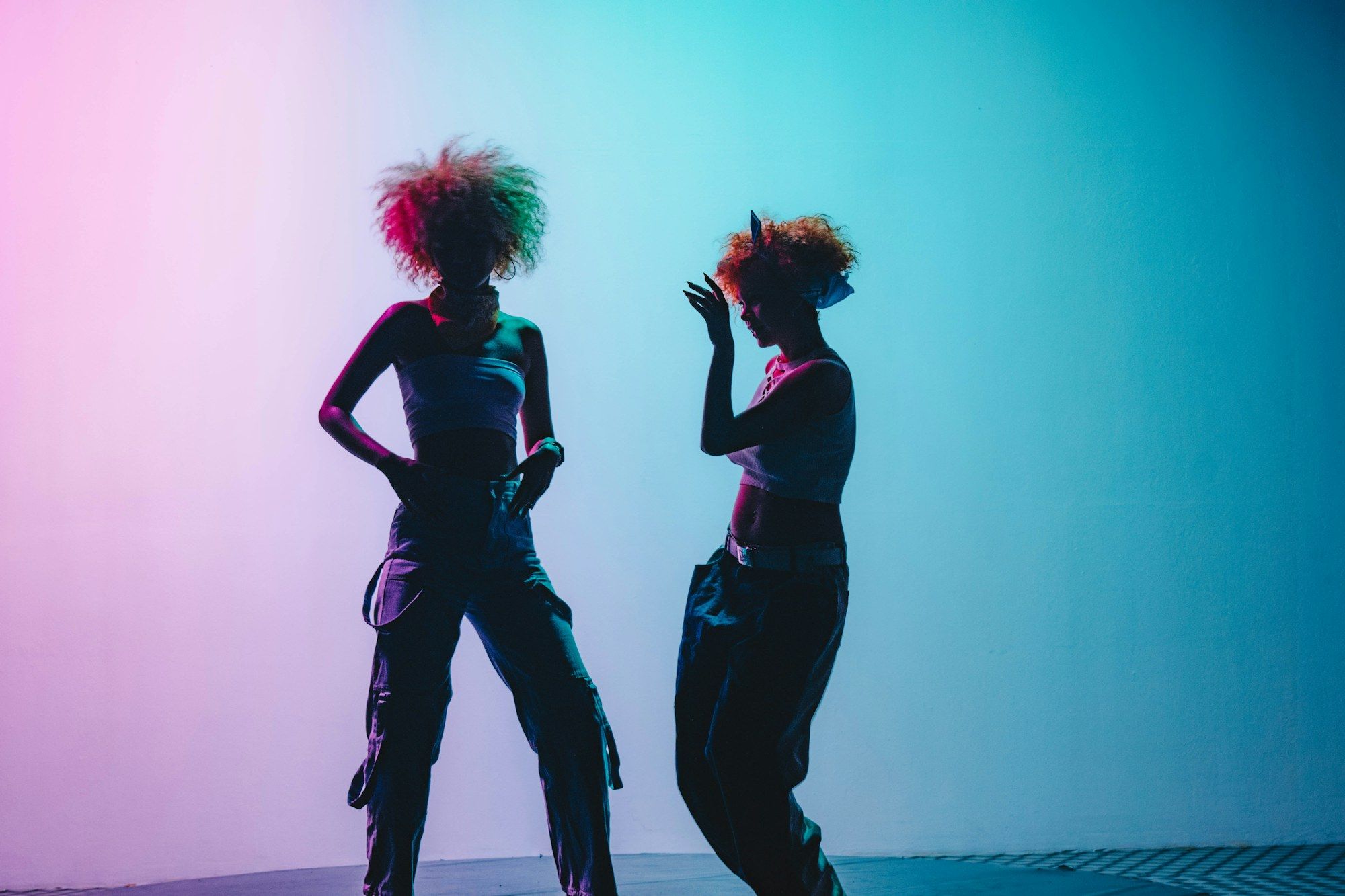
Your lights change with the music all night, in every room you set up.
At home
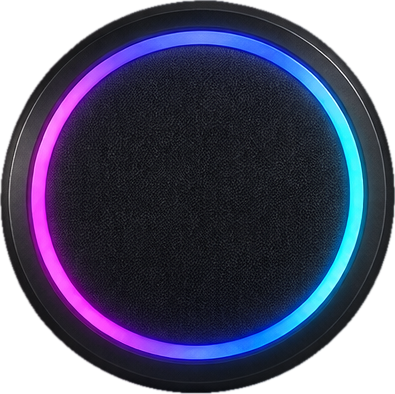
Firedance syncs your smart lights to your music for house parties, birthdays and get-togethers.
Any occasion
Use Firedance for big parties or quiet nights in.
Your lights change with the music all night, in every room you set up.
Set every light to one color for the cake, then switch back to the music.
Keep the lights low while you play and turn them up when you are done.
Choose colors that match the season or the holiday.
Dim the lights for the game or the movie, then turn on the music after.
Firedance works just as well with a few friends and a playlist.
Easy setup
Party lighting usually means extra gear and wiring. Firedance uses Wi-Fi smart lights, so there is nothing to hang or wire.
During the party
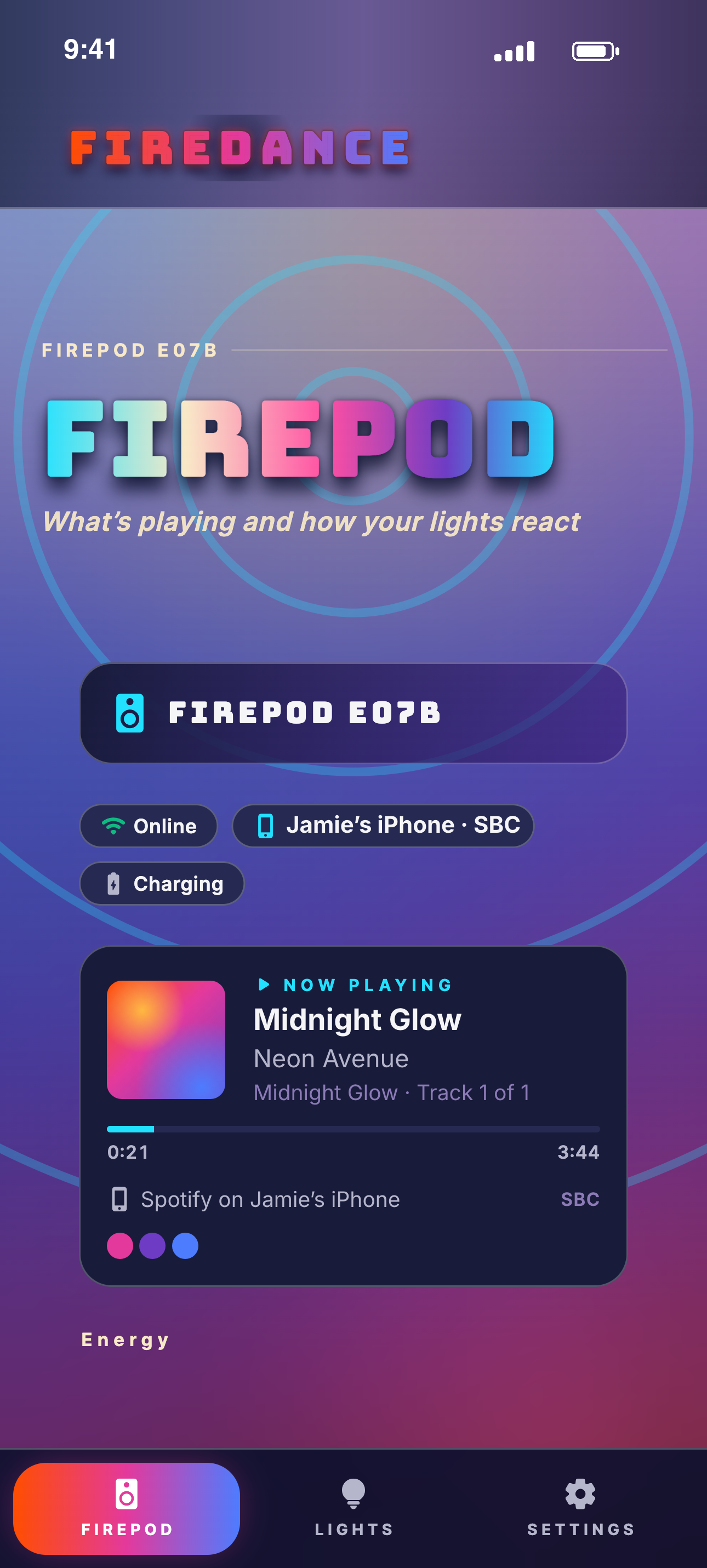
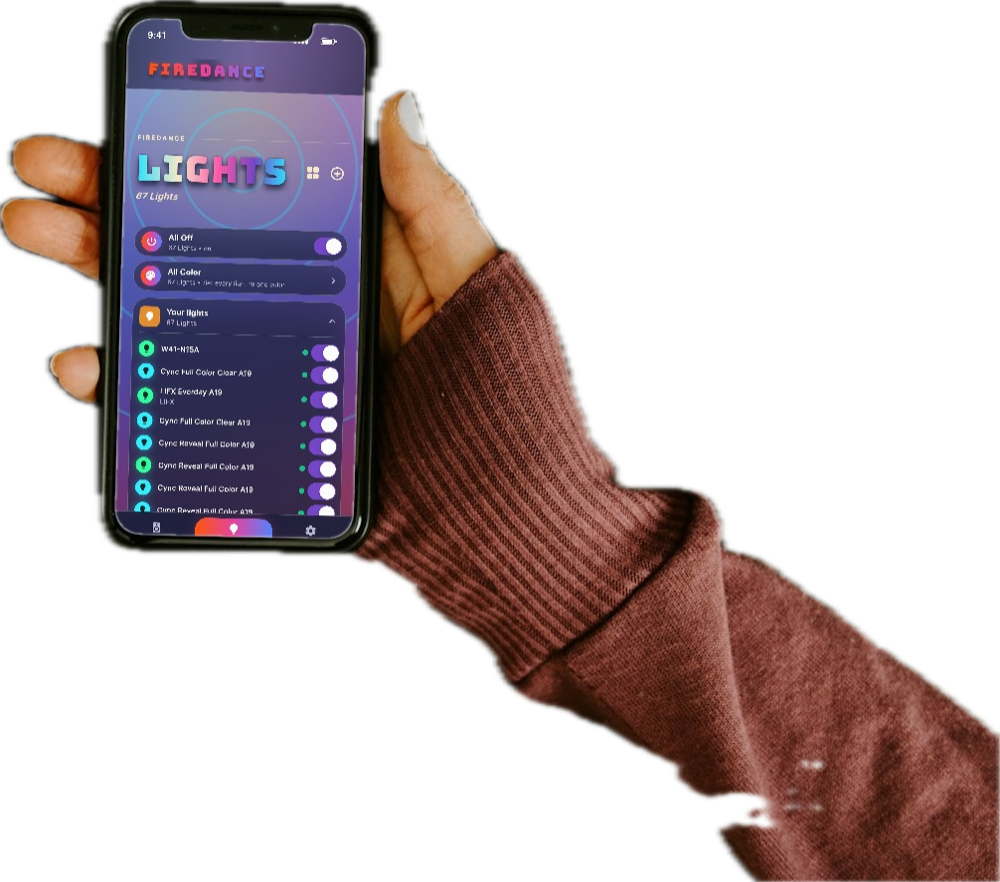
Use the Firedance app to change colors or turn the lights off during the party, without stopping the music. You decide when the lights start and stop.
Guest phones
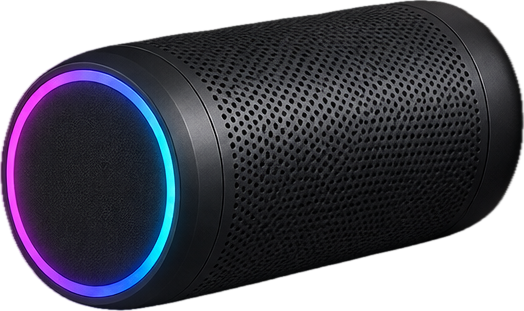
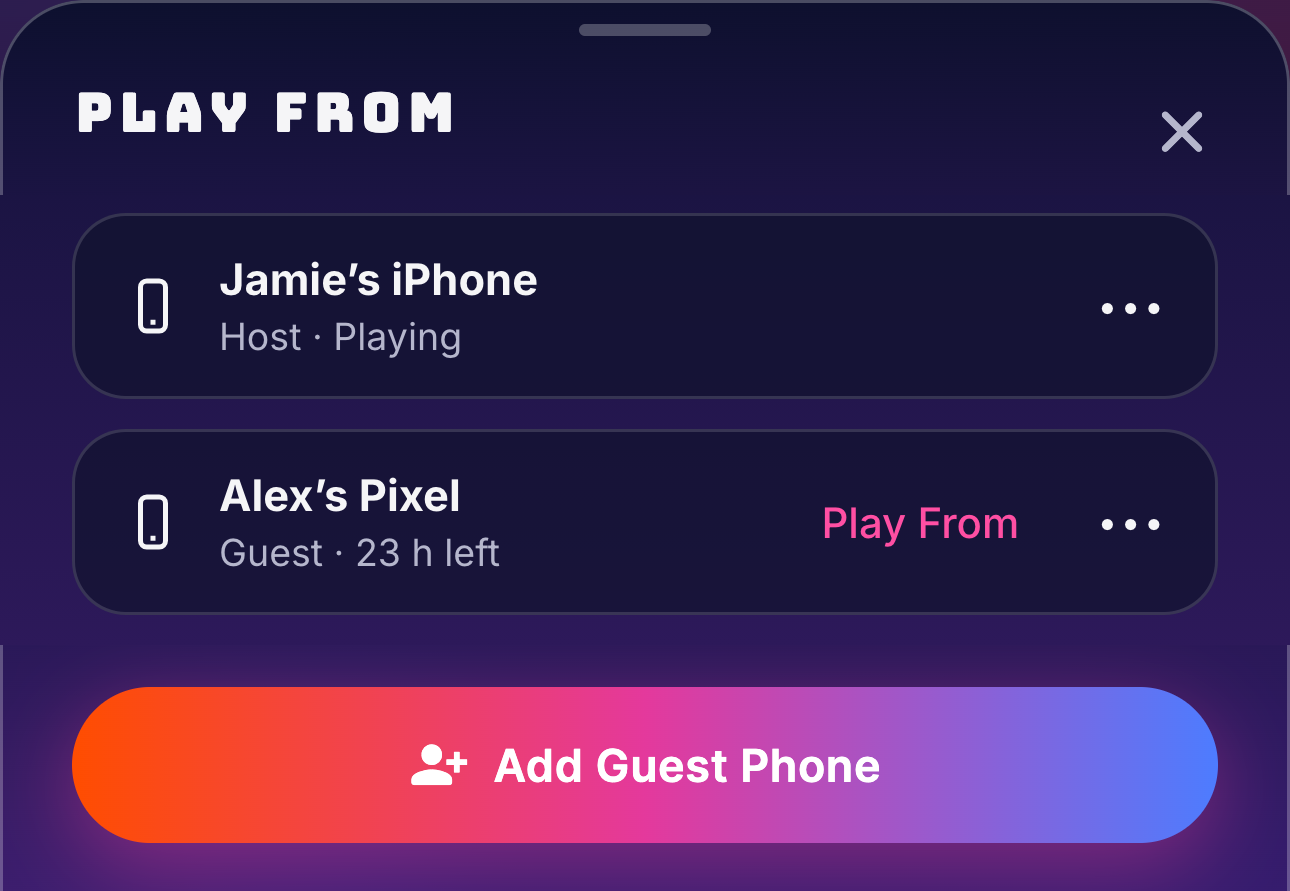
Friends can play from their own phone and their own music app, with nothing to install. Their phone pairs with FirePod like any Bluetooth speaker, and you choose whose turn it is with Play From in the Firedance app.
Only you can add guests or switch phones. A guest's phone is removed after 24 hours, or sooner if you tap Forget.
Shared playlists
Let friends add songs with your music app's group features. Your lights follow whatever plays.
Firedance isn't available yet. Leave your email and we'll let you know when it launches.
You’re on the list. We’ll email you when Firedance launches.