Smart lights
Smart bulbs that sync with music
Smart bulbs with the Matter logo follow the music through FirePod, from the big names down to budget bulbs bought on Amazon. Most need nothing changed first; TP-Link is the one exception, and it comes down to a single switch in the Tapo app.
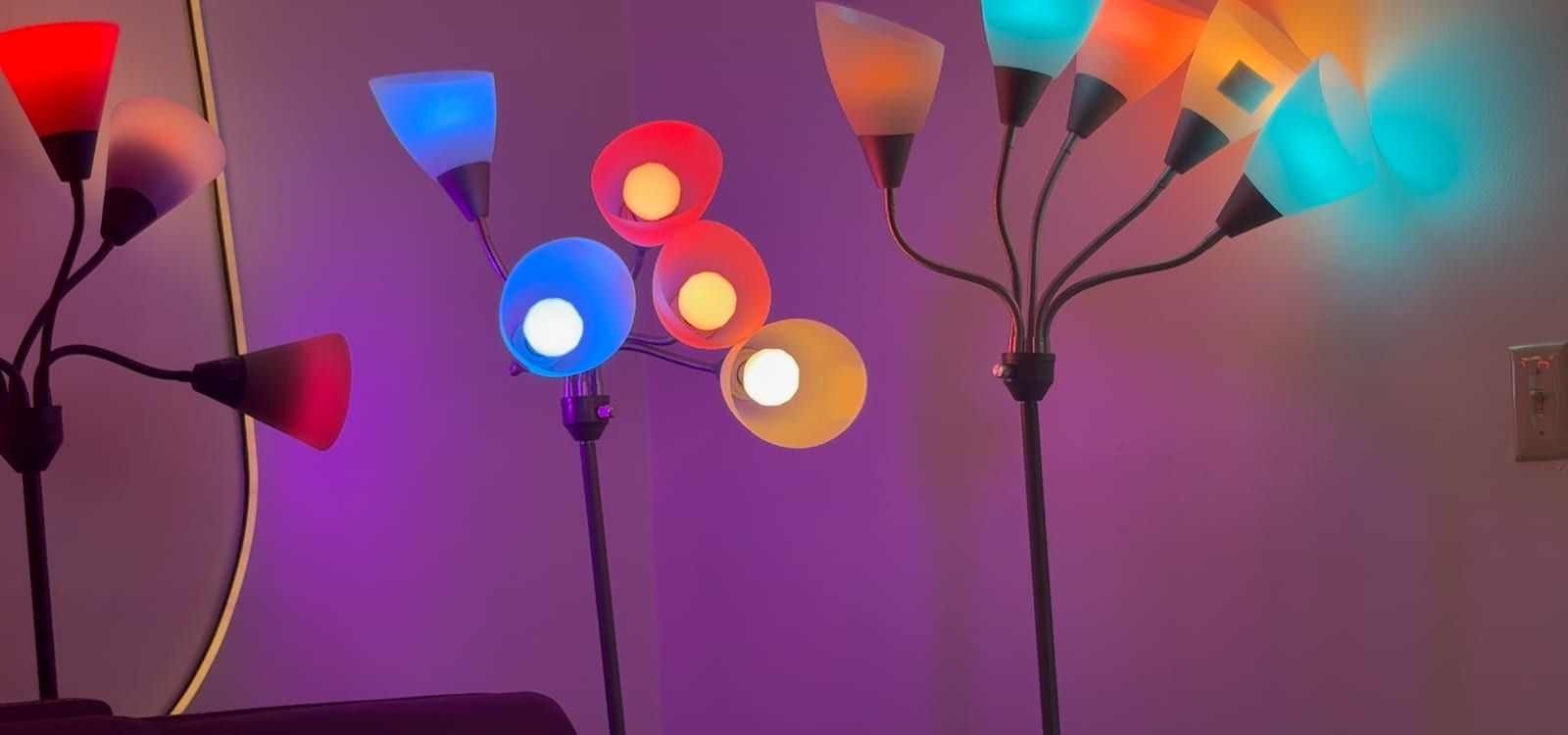
Which brands work with FirePod?
Find your brand, do what the last column says, then pair. The brand name opens its guide, with that maker’s own music features and the pairing problems worth knowing about.
| Brand | Works with FirePod | Before the first song |
|---|---|---|
| WiZ | Yes | Nothing to change. |
| Govee | Yes | Nothing to switch off. Pair within 15 minutes of turning the light on, with Bluetooth on on your phone. |
| LIFX | Yes | Nothing on current lights. Older ones such as Beam and Neon Flex need a firmware update to get Matter. |
| GE Cync | Yes, with the Matter logo | Nothing. Older Cync lights without the logo can’t be updated to get it. |
| Nanoleaf | Yes | Nothing. Essentials bulbs from before 2023 work with Apple Home, but they don’t have Matter. |
| Sengled | Yes | Leave the Sengled app out of it. The Matter bulb goes straight into Apple Home, Google Home, Alexa or SmartThings. |
| TP-Link | Yes, once one setting is off | Turn off Smooth Transition in the Tapo app. While it’s on, the bulb fades every change by itself and the flashes never show. |
| Linkind | Yes | Nothing. A bulb that was set up in another app and now won’t pair needs a factory reset first. |
| Orein | Yes | Nothing. It comes from the same maker as Linkind, so the same pairing fix applies. |
| Consciot | Yes | Nothing. Consciot is a Linkind sibling, and the Linkind guide covers it. |
| Philips Hue | Through its Bridge | The Bridge joins Matter for the bulbs. Connect it to another app from its settings and use the code it gives you. |
| ANWIO | Yes, with a soft pulse | Nothing to change. |
| Lightinginside | Yes | Nothing. Pair each bulb from its own code. |
Budget Matter bulbs without their own guide
Cheap Matter bulbs are often one factory’s bulb sold under somebody else’s name. So the brand on the box and the maker your app shows don’t always match, and that’s normal. Two of these brands work with FirePod and don’t need a guide of their own.
ANWIO
Klite Lighting builds ANWIO bulbs, so Apple Home and other apps may list them as Klite. Same bulb. Every change of brightness eases in slowly inside the bulb, and we know of no setting that turns it off, so the beat arrives as a gentle swell. They suit a slow song or a long build; a fast dance track asks more than they can give.
Right after pairing they can be slow to confirm. Wait a moment before you decide one has failed.
Lightinginside
These are sold mostly on Amazon and run on a chip from Espressif, and that’s the name most apps show: look for Espressif or a plain “Smart lightbulb” in the list, not Lightinginside. Other budget bulbs built on the same chip can turn up under that name too.
Lightinginside bulbs change in one clean step instead of gliding, which makes each beat a crisp flash. On a very fast song they let some beats go by. Pairing is the easy part: each one joins from the setup code that comes with it.
How do I know if a bulb supports Matter?
Look at the box for the Matter logo. FirePod can only move lights that carry it, and a bulb that talks only to its maker’s app stays still, however bright it is. A Matter bulb also has its own setup code printed for you to scan or type when you add it.
Careful with “works with Apple Home”. It isn’t the same promise: Nanoleaf’s Essentials bulbs from before 2023 work with Apple Home and have no Matter at all.
Firmware changes the answer for some lights. Older LIFX lights such as Beam and Neon Flex get Matter from an update, while older GE Cync lights never will.
Still not sure? The Connectivity Standards Alliance runs a certified products search. Filter it to Matter and pick the company. Search for the maker rather than the name on the box, because many brands are listed under someone else: ANWIO under Klite, Lightinginside under Espressif, LIFX under Feit Electric.
Setting up for the first time? Read how to sync smart lights with music.

Hear when FirePod goes on saleGet the early-bird price
FirePod isn't on sale yet. Leave your email and we'll write when it is.
FirePod isn't on sale yet. Sign up and the early-bird price comes to your inbox when it is.
You’re on the list. We’ll email you when FirePod goes on sale.You’re on the list. We’ll email you the early-bird price when FirePod goes on sale.