Open Bluetooth settings
On your phone, tablet, computer or TV, open the Bluetooth settings.
Supported devices
Firedance works with Matter smart lights from popular brands, any music app, and any phone, tablet, computer or TV that connects to a Bluetooth speaker.
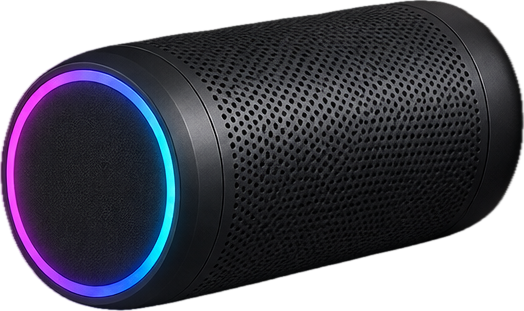
Smart lights
These are the brands we are testing with now. We will publish the full list of supported lights before launch.
Smart home apps
Firedance uses Matter, so your lights can stay in Apple Home, Google Home, Amazon Alexa, SmartThings or Home Assistant. Keep your routines and voice control there, and use Firedance for the music.
Mix and match
Firedance shows all of your lights in one list, whatever the brand, so they can all follow the same music.
Music apps
Any app that plays sound works, including these.
Phones, computers and TVs
These are some of the devices you can use. Any device with Bluetooth audio works.
iPhone, iPad and Android phones and tablets.
Mac, Windows and Chromebook laptops and desktops.
Smart TVs and streaming devices that support Bluetooth audio.
Handheld consoles that support Bluetooth audio.
Connecting
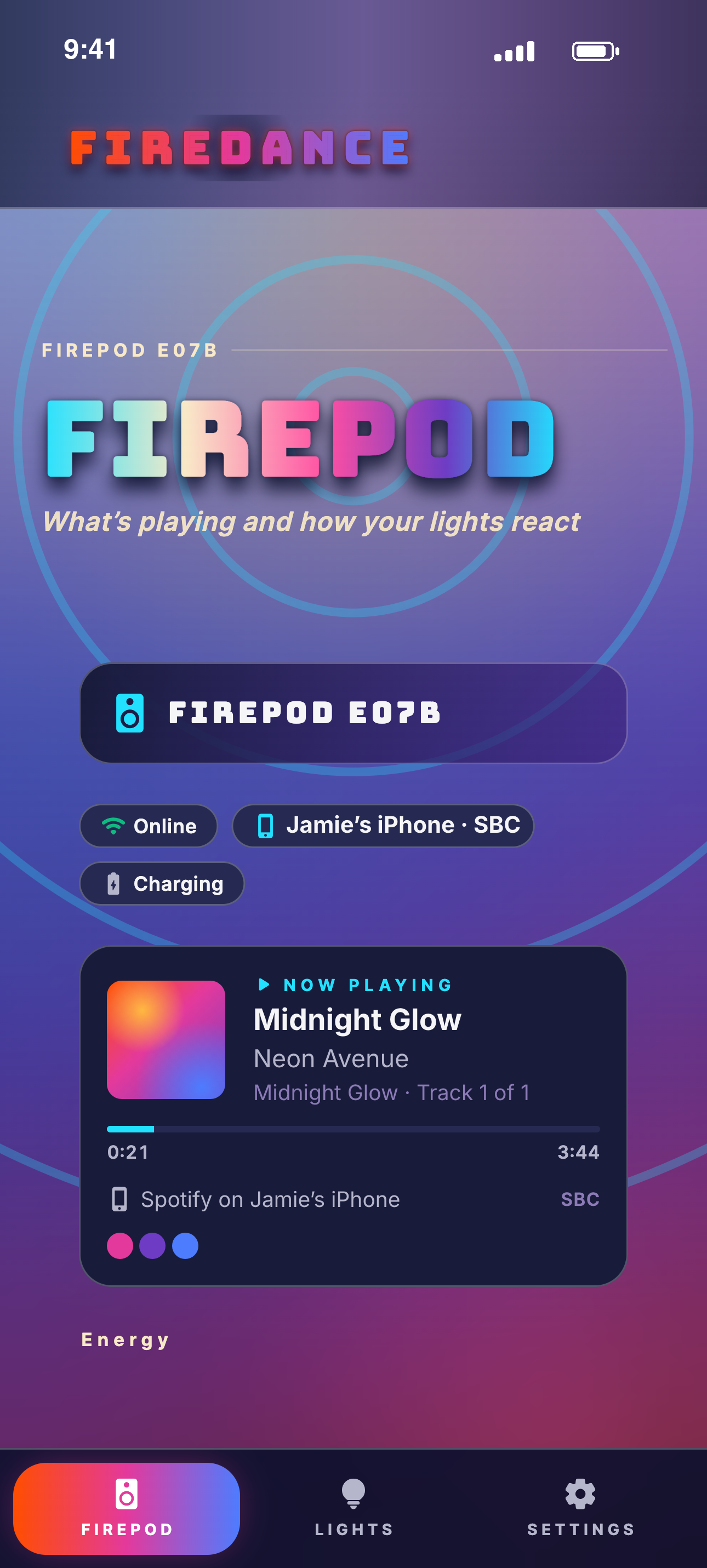
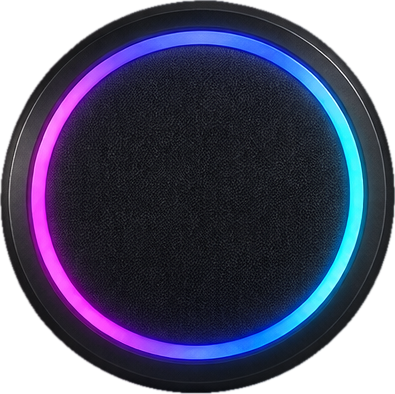
You pair a device with FirePod once, like any Bluetooth speaker.
On your phone, tablet, computer or TV, open the Bluetooth settings.
Select FirePod from the list of devices, the same way you would pair a speaker.
Play a song in any app. Your lights follow the music.
Firedance isn't available yet. Leave your email and we'll let you know when it launches.
You’re on the list. We’ll email you when Firedance launches.