
Play music
Play a song from Spotify, Apple Music or another music app on your phone, tablet or TV.
How it works
Play a song in any music app and Firedance changes your smart lights to match. Setup only takes a few minutes.
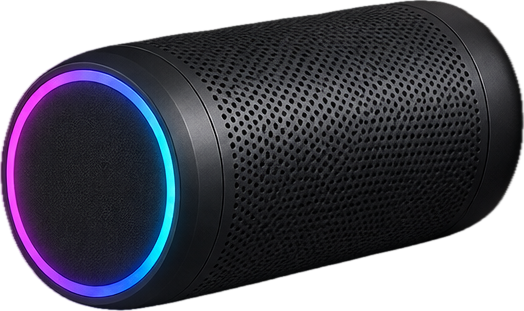
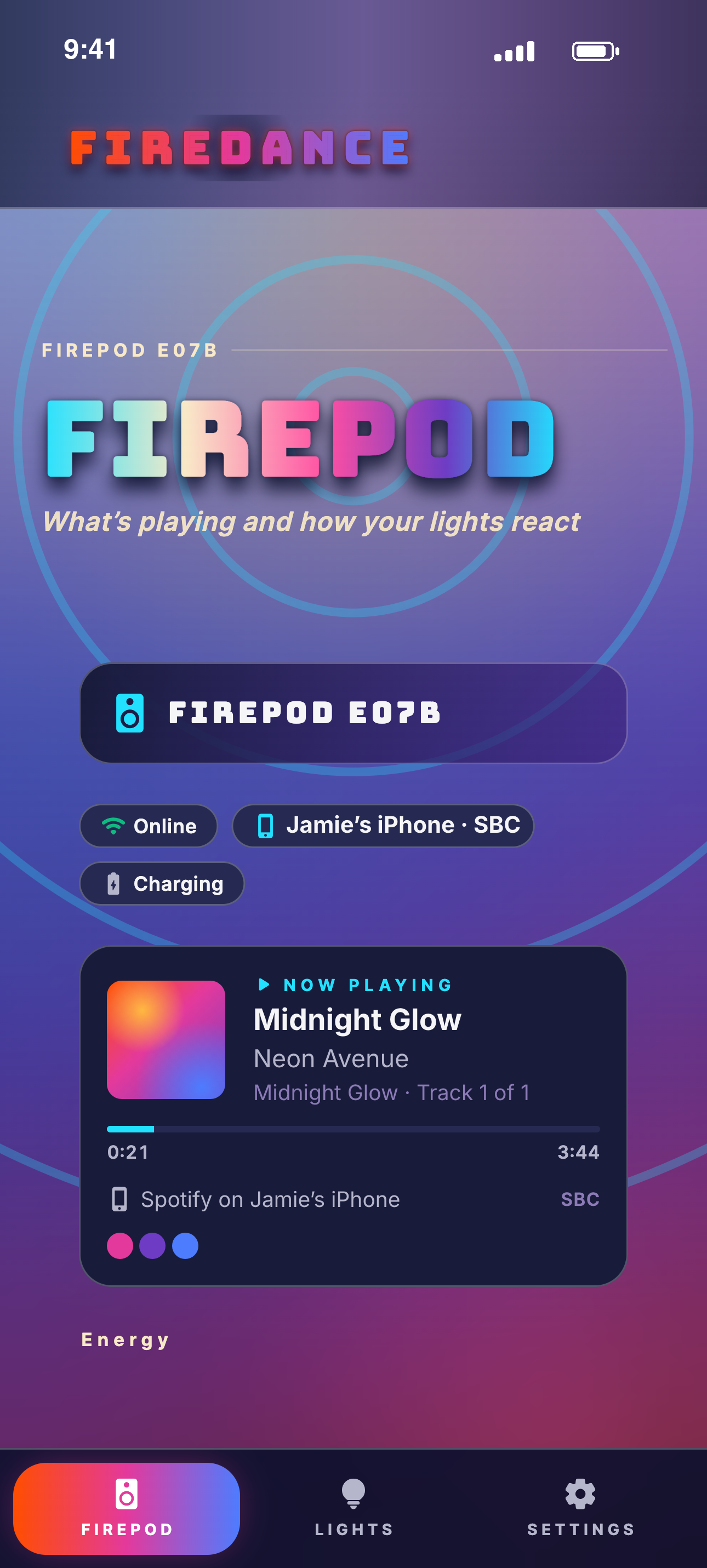
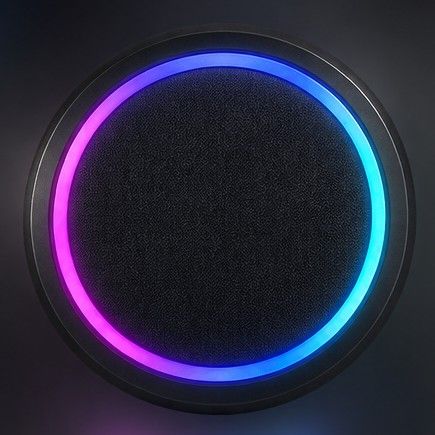
Getting started
Play a song from Spotify, Apple Music or another music app on your phone, tablet or TV.
Firedance follows the music and updates your lights with each new song.
Your smart lights change color and brightness with the music for as long as it plays.
Local control
Firedance works over your home Wi-Fi, so your lights respond quickly when the song changes. There is no cloud account to set up.
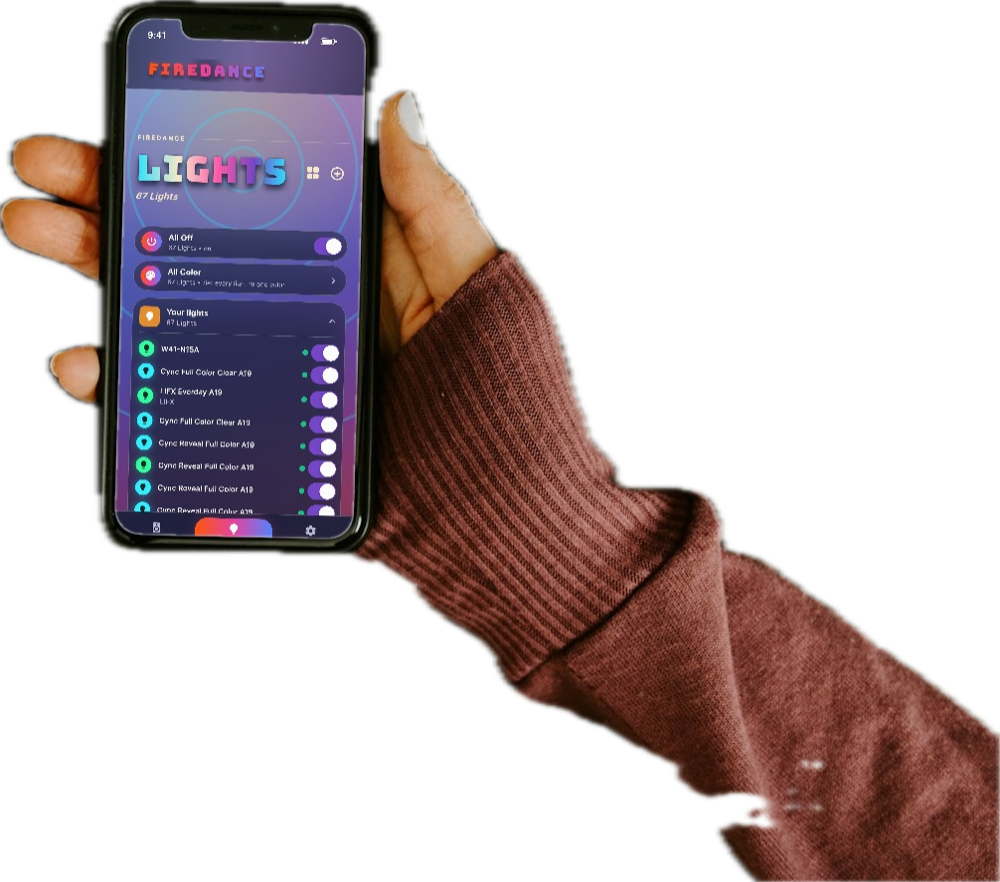
Firedance app
Use the Firedance app to see what's playing, choose your colors or set all of your lights to one color.

Firedance isn't available yet. Leave your email and we'll let you know when it launches.
You’re on the list. We’ll email you when Firedance launches.