How to sync your Christmas lights to music
What works this year for Christmas lights that follow the music indoors, which lights can do it, and a simple plan for the countdown on New Year's Eve.
Every December someone asks us how to get their Christmas lights moving with the music. The answer depends on which lights you mean, so we’ll start there.
The house down the street is a different hobby
The houses with thousands of lights dancing to a song on the radio are running a light show. People build those with sequencing software like xLights, controllers wired to every string, and a small FM transmitter so cars can tune in. Each song is planned by hand, often months ahead. It’s a great hobby, but it’s a project, not a setting you switch on.
This post is about the lights inside your home: smart bulbs, strips and string lights you control from your phone.
Check which lights you have
Ordinary Christmas lights can’t follow music on their own. Putting them on a smart plug doesn’t change that much. A plug can only switch them on and off, and switching a plug many times a minute is hard on it.
Smart lights are different. Each bulb or string can change color and brightness when it’s told to. Look on the box or in the app for the brand. If the box has the Matter logo, the light can be added to apps from other brands too, which matters once you mix them.
Use the app your lights came with
If all your holiday lights are one brand, its own app is the easiest place to start this year.
- Govee: Music Mode reacts using the light’s own microphone or your phone’s. We cover it in our Govee guide.
- WiZ: Music Sync listens through your phone and runs while the app stays open on that page. See our WiZ guide.
- Philips Hue: Hue + Spotify follows what you play on Spotify, with a Hue Bridge. The steps are in our Hue guide.
- LIFX: on a Samsung Galaxy phone, SmartThings Music Sync works. On an iPhone, apps like iLightShow can. More in our LIFX guide.
The catch is the same for all of them: each app only moves its own brand. If the tree is Govee and the window is WiZ, half the room follows the song and the other half doesn’t.
Pick colors for the season
Most music modes pick colors for you, and they rarely look like Christmas. If your app lets you choose a palette, try one of these:
- Red, green and a warm white, for a classic look.
- Warm white and gold only, for a quieter room. It still looks lively when the brightness follows the music.
- Blue and cool white, if your decorations lean more winter than Christmas.
Keep the brightness lower than you think. Lights at full power all evening wash out the tree. Lights that rise with the chorus and settle between songs feel like part of the party.
New Year’s Eve
New Year’s Eve is the one night the music and the lights really matter, so plan the last few minutes.
- Keep the party colors going until about a minute before midnight.
- Turn everything down low for the countdown, so the room is waiting with you.
- At midnight, bring every light up to bright white or gold at once.
- Go back to the music once everyone has hugged and found their drinks.
Practice once during the day. Find out how long your app takes to change every light, and whether it changes them all together or one at a time.
Where FirePod fits
FirePod isn’t out yet, so it won’t be under the tree this year. When it is, it plays your music like any Bluetooth speaker and moves every Matter light in the room with the song, whatever brand each one is. Your Govee tree and WiZ lamps can follow the same chorus.
Until then, the tips above work with the lights you already have. For a full setup from scratch, see how to sync smart lights with music, and if you’re hosting, our party lighting page has more ideas.
More from Firedance
-
Does Matter do music sync?
Matter lets one app control smart lights from any brand, but it has no music mode. Here's why, what home apps offer instead, and how to sync mixed brands.
-
Mixing smart light brands in one room
Our test room runs on WiZ, LIFX, Govee, GE Cync and Sengled lights at once. Here's what we learned getting different smart light brands to work together.
-
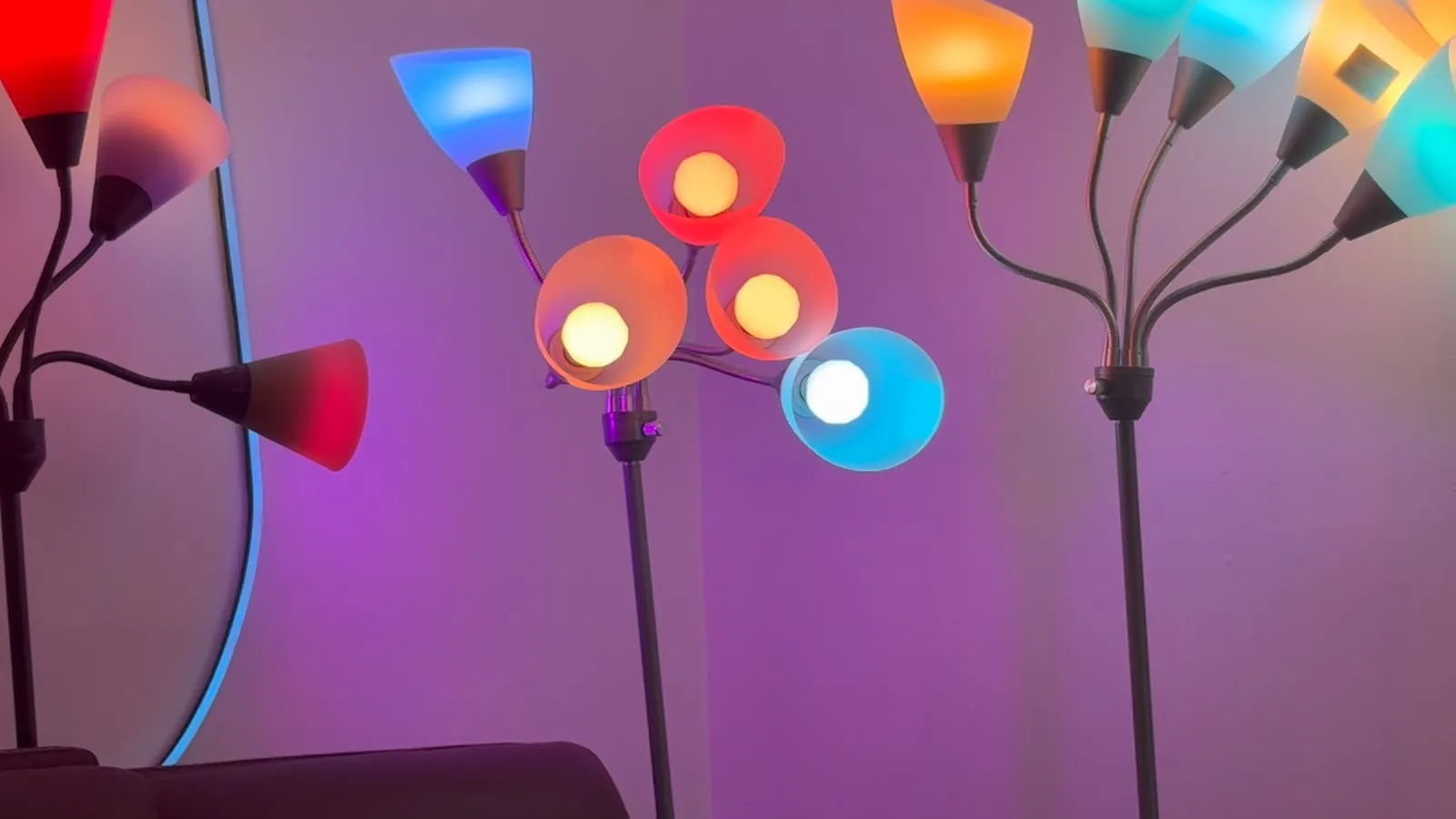
Party lights that sync to music, at home
Lights that move with the music can make a living room feel like a party. Here's what we've learned tuning them in our own test room, song by song.