kicad-fab-mcp: AI board checks before you order
Ask your AI assistant whether a circuit board is ready to order. kicad-fab-mcp checks the design, the parts list and live stock, then writes the order files.
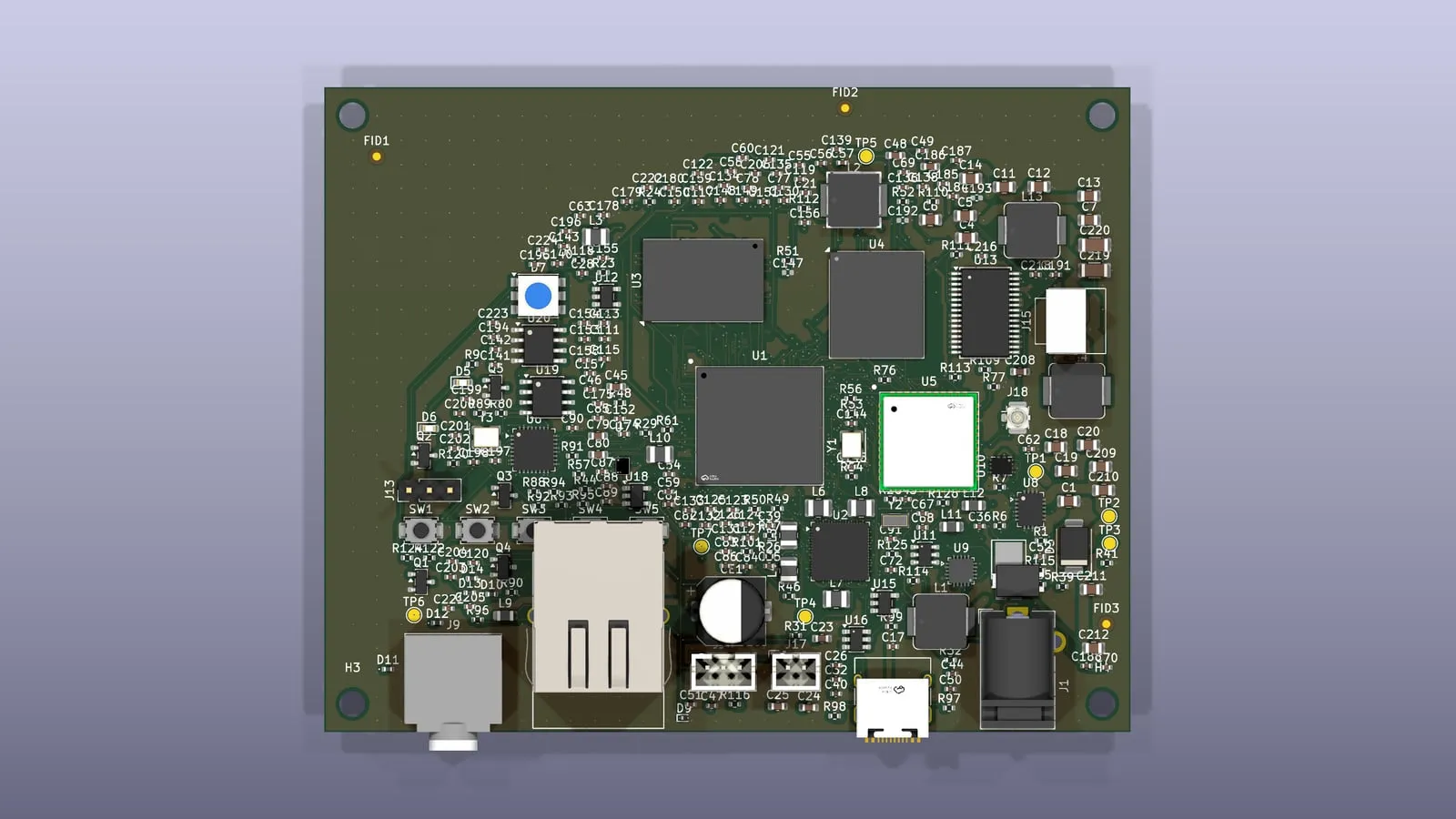
In October we shared kicad-fab-tools, the scripts we use to turn a KiCad circuit board design into a factory order. This week we’re making them something you can talk to.
kicad-fab-mcp
kicad-fab-mcp is an MCP server that gives AI assistants a checklist for circuit board orders. Point your assistant at a board and its parts list, and ask if it’s ready.
It comes back with a clear answer:
- Design check: any errors KiCad’s design rules found, explained.
- Parts list: whether every part on the board is on the list, and the other way round.
- Stock and price: whether each part is in stock for the number of boards you want, and what they’ll cost.
- Orientation: which parts to double-check in the factory’s placement viewer.
When everything looks right, it can write the files to upload to the factory, into a folder you choose. It never places an order. That stays with you.
It works with whichever AI assistant and model you already use, and it’s free under the Apache 2.0 license.
More in November
One more AI tool to go this month. Keep an eye on GitHub, or sign up for updates.
More from Firedance
-

How to sync your Christmas lights to music
What works this year for Christmas lights that follow the music indoors, which lights can do it, and a simple plan for the countdown on New Year's Eve.
-

matter-dcl-mcp: Matter lookups for AI assistants
Ask your AI assistant who makes a Matter device, what it is and whether it's certified. matter-dcl-mcp connects assistants to the official Matter registry.
-
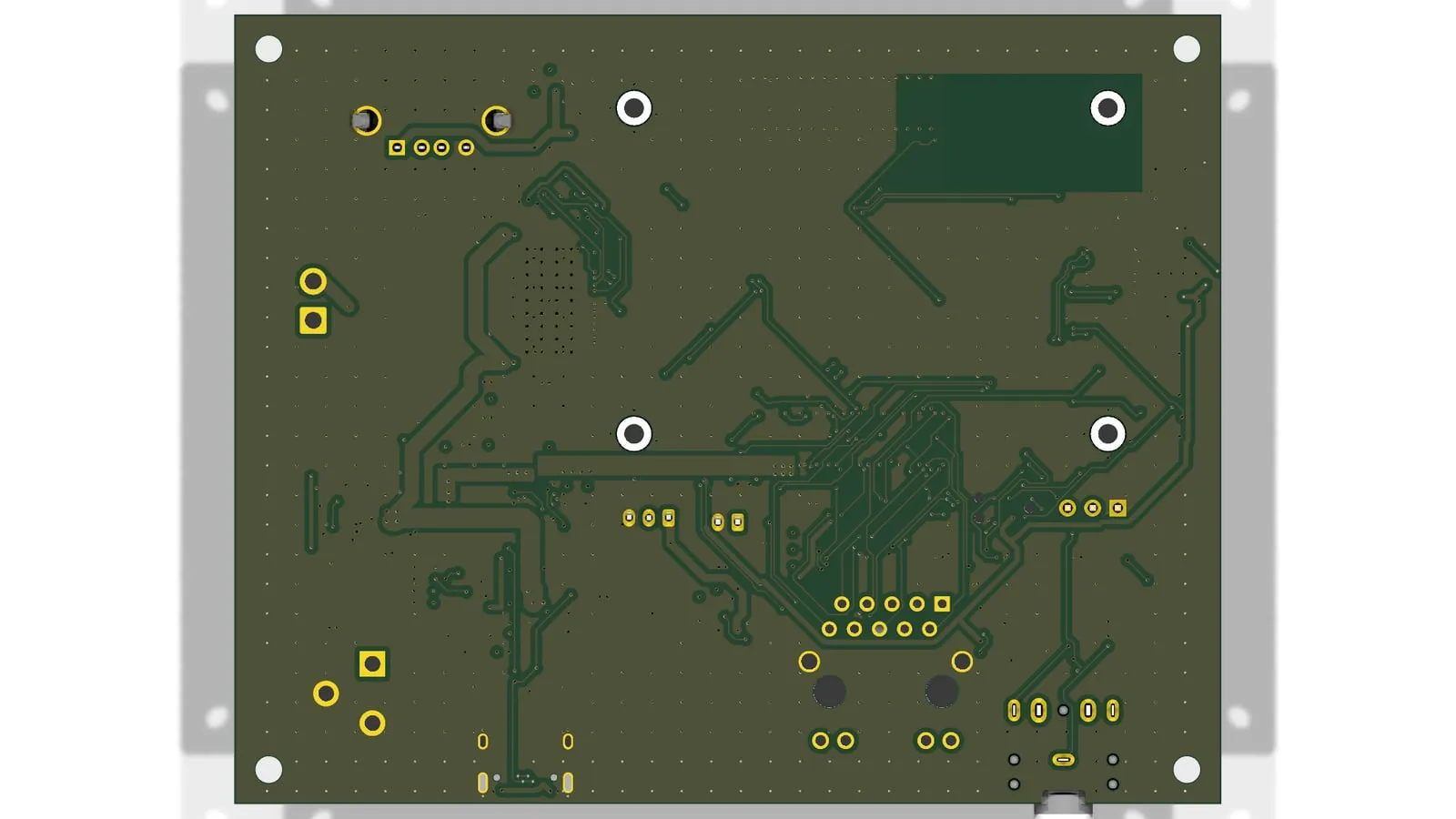
kicad-zcheck: checking the wires a fast signal runs on
Fast signals need wires of the right width for their board. kicad-zcheck checks the wires actually drawn on a KiCad board, and where the return path breaks.